Monday, February 2, 2015

A new place for my blog


Hello friends!

Important news for all who are reading my blog here:

While the rework of my main website I have made some basic changes. From now all my web presentations will be found at one place:

Visit my new blog here


What does this mean for this blog?


  • The archives of this blog will not be changed. So if you are looking for something special from my past posts, just use this blog.
  • But all my future posts will be found on my new blog. Some new infos are already there.
I am shure you understand my decision and hope all people will visit my new blog as often as this one.

As you know I am located in germany, so there is some german text of course. But nearly all blog posts are still in english and can be read by the international audience.

But enough text! Take a look at my new website.

Thank you all for your support here!
Chris

Sunday, January 11, 2015

Teil 9 - Erstellung eines 3D-Modells für Computerspiele - Thema: "Fantasy-Waffe"

Hallo Tutorial-Freunde.

Hier ist auch schon die deutsche Version des 9. Teils meiner Tutorialserie, in der man lernt, wie eine Fantasy-Waffe für Computerspiele in 3D-Coat erstellt wird.

Heute erkläre ich Euch, wie man Normalmaps aus dem hochaufgelösten Modell in das zuvor erstellte Retopo-Modell überträgt.

Viel Spaß beim Schauen!
Eurer Chris


Part 9 (English) - How to create a 3D model for video games - Topic: Fantasy weapon

Hello friends.

A new day a new tutorial episode how to create a fantasy weapon in 3D-Coat.

In this episode you will leran how to bake the normalmaps into the low poly mesh, that will be used for painting textures later.

In this part I explain the baking settings and give you some tips.

In the next episode I will start to bring color into our model. The texture painting will begin.

Thank you for watching!

--- For the german audience:

Hallo Freunde.

Diesmal ist es die englische Version, die zuerst kommt. Aber die Deutsche ist schon in Vorbereitung. Habt also ein wenig Geduld.

Danke für's Schauen
Chris


Friday, January 9, 2015

Part 8 (English) - How to create a 3D model for video games - Topic: Fantasy weapon

Hello friends.

Here is my newest tutorial episode how to create a fantasy weapon for videogames in 3D-Coat.

In this episode I explain how to set the uv information inside the retopo room for later texture painting and normalmap calculation.

In the next episode we will start the texture part. I will explain how to bake the highpoly normalmaps to our model.

Thank you for watching
Chris

PS: Please have some patience. YouTube needs a bit to publish all video resolutions... :)


3D-Coat - Update 4.5 BETA5

Fixes

  • Fixed crash in pose tool
  • Fixed crash in fill tool
  • Snake tool fixed
  • Fixed problem with sliders numerical input in Layer blending palette

New

  • GL version works!

Improvements

  • Panoramas updated
  • Different small stuff like default hotkeys
Click here for download: Current 3D-Coat beta...
Infos about using 3D-Coat beta versions:
  • 3D-Coat beta versions can be used by registered users only. You have to register the current release to be able to use the current beta.
  • You are invited to test and use the new beta version while the whole developing process until the official release.
  • The permission to use the beta ends at the final release date. In this case you are able to buy the new release.
  • Beta versions are NOT final releases! Be careful using them for your projects.

Thursday, January 8, 2015

UDIM UV mapping Article by Mike Seymour at fxguide

Hi friends.

There is a very nice article about the UDIM UV mapping method written by Mike Seymour. Mike starts with a describtion about Ptex and it's characteristics. Later then you will learn how UDIM works and where it was used the first time.

UDIM was invented by Richard Addison-Wood who is a software developer at Weta Digital.

Here is the complete article: http://www.fxguide.com/featured/udim-uv-mapping/

Have fun
Chris

Teil 8 - Erstellung eines 3D-Modells für Computerspiele - Thema: "Fantasy-Waffe"

Hallo.

Ich bin wieder zurück, mit der 8. Episode meiner Tutorialserie.

In diesem Teil erkläre ich Euch, wie man im Retopologiebereich von 3D-Coat UV-Koordinaten erstellt.

Mit diesen Informationen kann man dann Texturen auf das Modell malen oder Tiefeninformationen aus einem hoch aufgelösten Modell übertragen.

Ihr lernt einige Grundlagen über UV-Koordinaten und natürlich die Werkzeuge kennen, die für die Erstellung der Informationen benötigt werden.

Im nächsten Teil behandle ich dann das Übertragen der Normalmaps.

Viel Spaß!
Chris

For the international audience:
This episode describes how to set uv coordinates in the retopology room of 3D-Coat. The english version is in preparation and comes as soon as possible. Thank you for your patience.

Best regards
Chris


Tuesday, January 6, 2015

3D-Coat - Update 4.5 BETA4

Fixes

  • Important fix: critical problem related to broken export solved

Improvements

  • Compatibility / GGX / Blinn-phong shading. Compatibility shading preserves colors as well as previous coat's shading but is able to use advantages of PBR.
  • PBR preview in paintbrush mode

New

  • New materials
Click here for download: Current 3D-Coat beta...
Infos about using 3D-Coat beta versions:
  • 3D-Coat beta versions can be used by registered users only. You have to register the current release to be able to use the current beta.
  • You are invited to test and use the new beta version while the whole developing process until the official release.
  • The permission to use the beta ends at the final release date. In this case you are able to buy the new release.
  • Beta versions are NOT final releases! Be careful using them for your projects.

Monday, January 5, 2015

3D-Coat - Update 4.5 BETA3

Fixes

  • Fixed problems related to rename/move/duplicate items in folders. Need toarwa be carefully checked anyway.
  • A lot of paint problems solved.

New

  • HDR support for panorama images. Panoramas will be auto leveled now. Andrew included several panorama images into the Panoramas folder. A new default panorama image is set now.
  • View separate channels - color/specular color/gloss/metalness

Improvements

  • Materials in version 4.5 will not destroy 4.1 materials and vice versa. New mats has an extension that is called .pbrm instead of .xml.
    You are still able to switch back to the old materials - To do this use Edit -> Convert materials
  • Top row conditions are now the same like in materials. Realtime preview should work correctly for both - paint conditions and materials. 
  • UDIM naming (That is used in MARI) for UV-sets with tiled import is supported now. Fixed seams problem related to tiled import. 

Infos

The translation from new HLSL shaders to GLSL were started. This will lead in a working GL version. The Mac/Linux beta builds can be released after the shader conversion. This will happen soon.
Click here for download: Current 3D-Coat beta...
Infos about using 3D-Coat beta versions:
  • 3D-Coat beta versions can be used by registered users only. You have to register the current release to be able to use the current beta.
  • You are invited to test and use the new beta version while the whole developing process until the official release.
  • The permission to use the beta ends at the final release date. In this case you are able to buy the new release.
  • Beta versions are NOT final releases! Be carefully using it for your projects.

Sunday, December 28, 2014

3D-Coat - Update 4.5 BETA2


New:

  • RMB over material allows you to re-fill with the material in all non-transparent area. You are able to change the used material for the active layer very easy in this way.

Fixes:

  • The option "Lock transparency" in the layers blending options works correctly for metalness and all other tools now.
  • Bugs related to material folders fixed.


Click here for download: Current 3D-Coat beta...

Infos about using 3D-Coat beta versions:
  • 3D-Coat beta versions can be used by registered users only. You have to register the current release to be able to use the current beta.
  • You are invited to test and use the new beta version while the whole developing process until the official release.
  • The permission to use the beta ends at the final release date. In this case you are able to buy the new release.
  • Beta versions are NOT final releases! Be carefully using it for your projects.

Monday, December 22, 2014

3D-Coat - Update 4.5 BETA1

HOT NEWS!

This is the first 4.5 beta update with PBR support. Not all is done and some elements are still missing, but it is at least workable.

Important for this first 4.5beta release:
  1. GL version is NOT working! Andrew will do GL shaders after all. Use DirectX version first only! -> 3d-coat(DX)
  2. Keep backups of your scenes, presets and materials. Better - create a backup of the folder MyDocs/3D-CoatV4

Changes for 20.12.2014 - 4.5.BETA1

  • PBR & Smart PBR materials introduced.
  • A lot of bugfixes.
Click here for download: Current 3D-Coat beta...


Infos about using 3D-Coat beta versions:
  • 3D-Coat beta versions can be used by registered users only. You have to register the current release to be able to use the current beta.
  • You are invited to test and use the new beta version while the whole developing process until the official release.
  • The permission to use the beta ends at the final release date. In this case you are able to buy the new release.
  • Beta versions are NOT final releases! Be carefully using it for your projects.

Wednesday, December 17, 2014

Teil 7 - Erstellung eines 3D-Modells für Computerspiele - Thema: "Fantasy-Waffe"

Etwas verspätet die Meldung in meinem Blog, aber es geht weiter. Vielleicht hat es ja der Ein oder Andere verpasst, deshalb:

Die siebte Episode in Deutsch vervollständigt den Retopologie-Teil. Die restlichen Elemente des Modells werden hier erstellt. Im achten Teil wird es dann mit der Erstellung der UV-Koordinaten und dem Baking-Prozess weiter gehen, um dann die Normalmaps aus dem High-Poly-Modell zu übertragen.

Viel Spaß
Chris


Monday, December 1, 2014

Part 7 (English) - How to create a 3D model for video games - Topic: Fantasy weapon

Here we are with the english version of episode 7 of my tutorial series how to create a game model.

In this episode I complete the retopology process and create the remaining low poly objects.

In the upcoming part 8 you will learn how to set the uvs and I will explain the baking process.

Thank you for watching
Chris


Thursday, November 20, 2014

Teil 6 - Erstellung eines 3D-Modells für Computerspiele - Thema: "Fantasy-Waffe"

Es ist soweit. Nach langer Abstinenz nähern wir uns langsam aber sicher dem letzten Bereich meiner Tutorialserie. Mit Teil 6 läute ich den Retopologie-Abschnitt ein. Viel Spaß!

International audience:
The english version follows soon! Thank you for your patience.


Wednesday, November 12, 2014

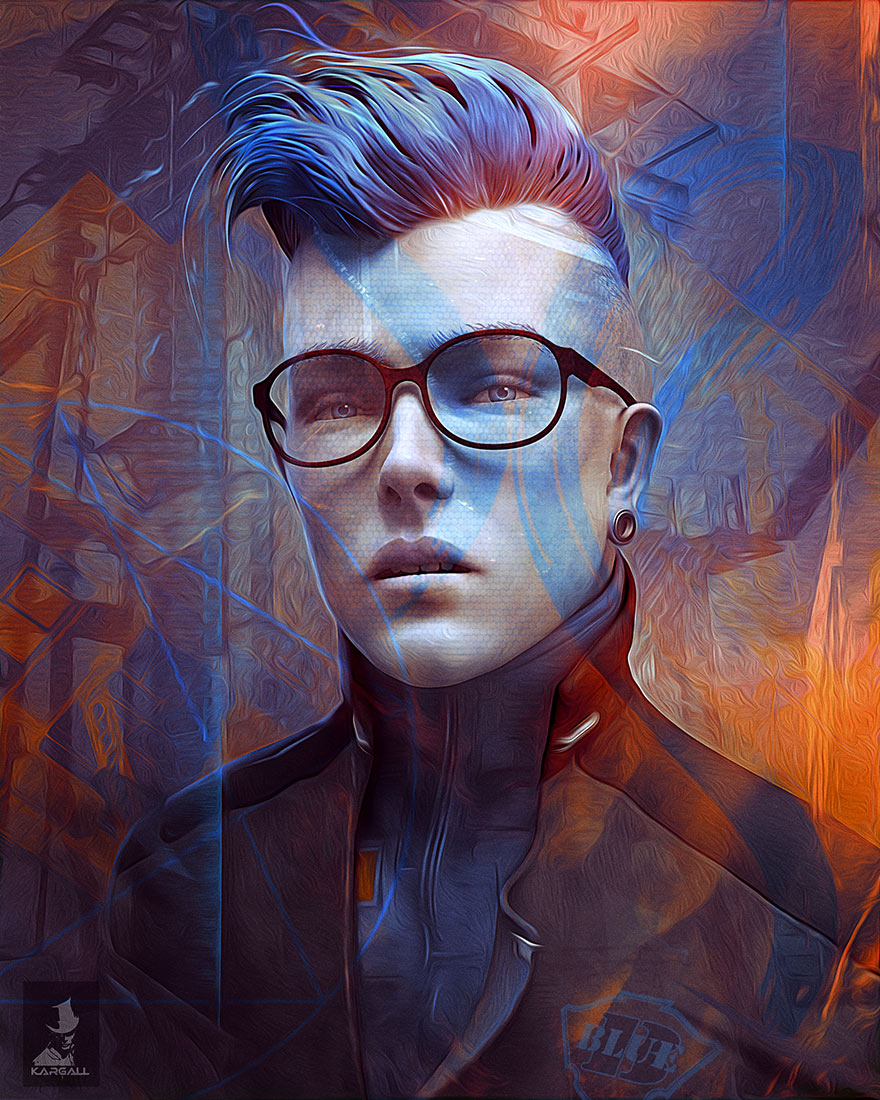
Forum artwork by Kargall le feu: Blue Boy

Kargal le feu has posted another very nice artwork called "Blue Boy".

  • Sculpted in 3D-Coat
  • Post FX in Adobe Photoshop


To visit Kargalls 3D Coat forum gallery use this link please: 3D Coat forum gallery
Kargalls official website with more very nice artworks: Official Website

Monday, November 3, 2014

Sneak peak at the upcoming 3D-Coat beta

Andrew Shpagin has published some deeper insights into the 3D-Coat version he is currently working on.

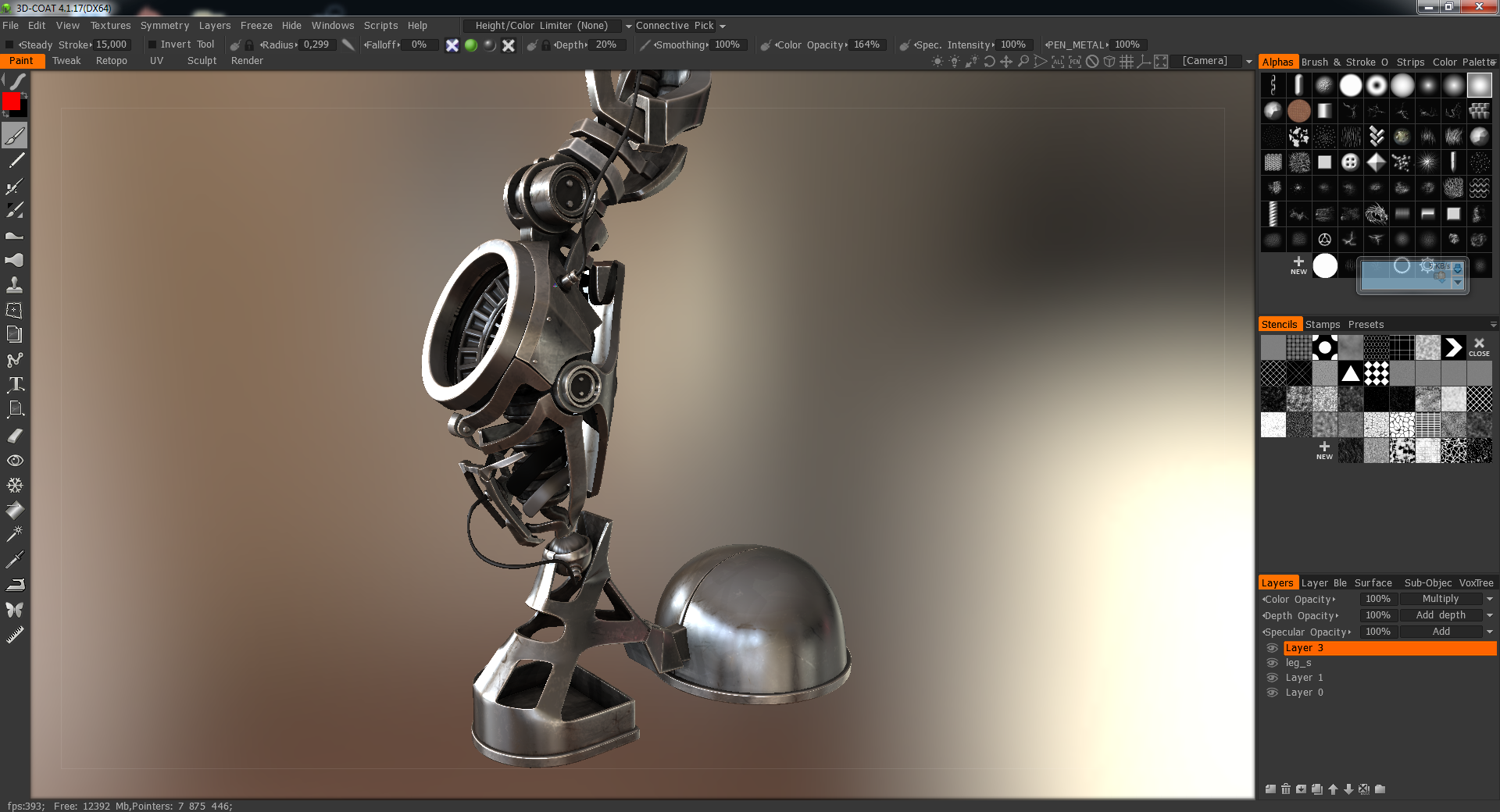
As you maybe know the current work is focused on expanding 3D-Coats painting abilities. One of the big changes is the rendering engine, which  is responsible for displaying all information you see inside the viewport. The old render engine was based on very basic shaders and got not much updates for a long time.

Now Andrew is implementing PBR (Physically Based Rendering) for the upcoming release. PBR is a rendering technique that is currently used in modern realtime render engines. This technique allows to simulate more realistic materials. The results resembles materials in real nature.

The new render technique give artists the possibility to present their work in a much higher quality. In many cases you will be not to be forced to render your models in the traditional way using renderers like vray or mental ray. Of course there are still a lot quality differences between the render techniques, but the PBR will save you a lot of time. Additionally you will be able to support modern render engines now like unreal angine 4 and others that are supporting PBR shaders.

3D-Coat is currently using a similar shader technique like marmoset toolbag and your work will be compatible to it.

To allow you do all this 3D-Coats internal layer struture and the realtime render engine were completely rewritten.

Following you see some examples using PBR in 3D-Coat and first usability screenshots.

Best wishes
Chris
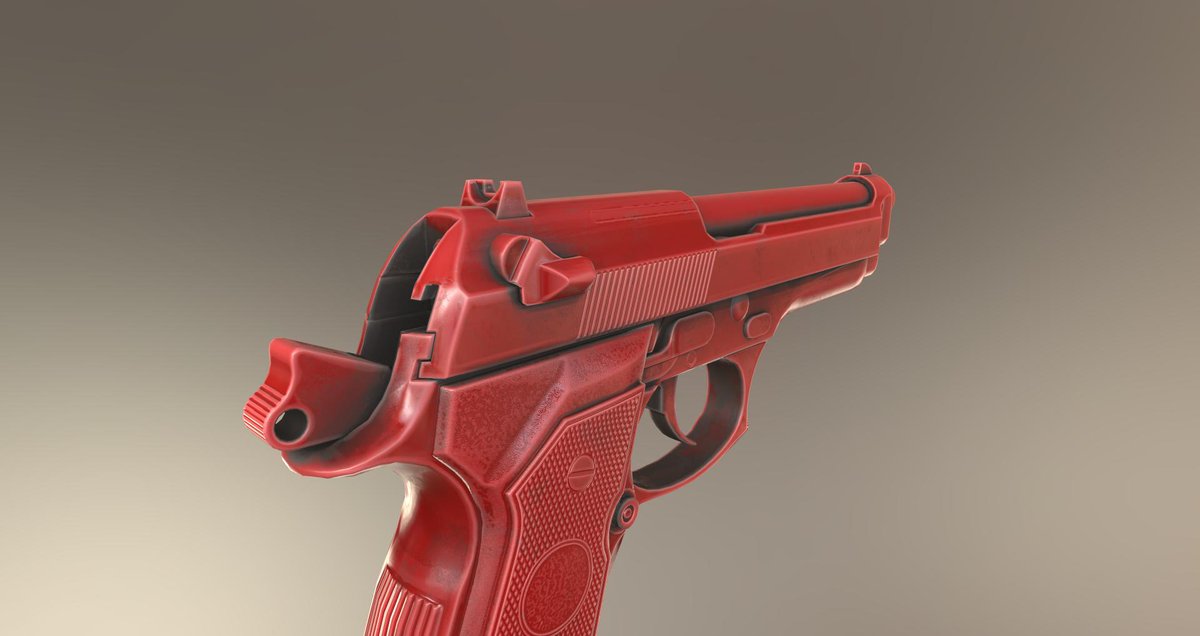
 

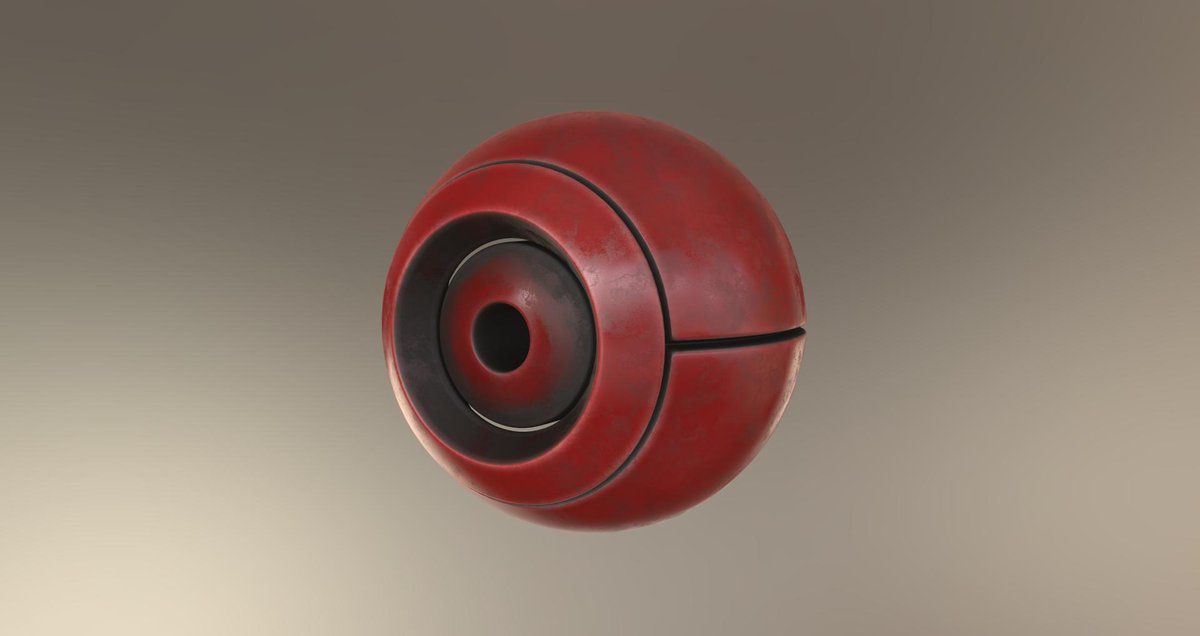
Dirt support using ambient occlusion condition
"Dirt plastic" example

First insight into the new layer organisation
There is a dropbox library with more PBR material examples supported by 3D-Coat. You will find the gallery using the following link: More PBR shader examples


Wednesday, October 29, 2014

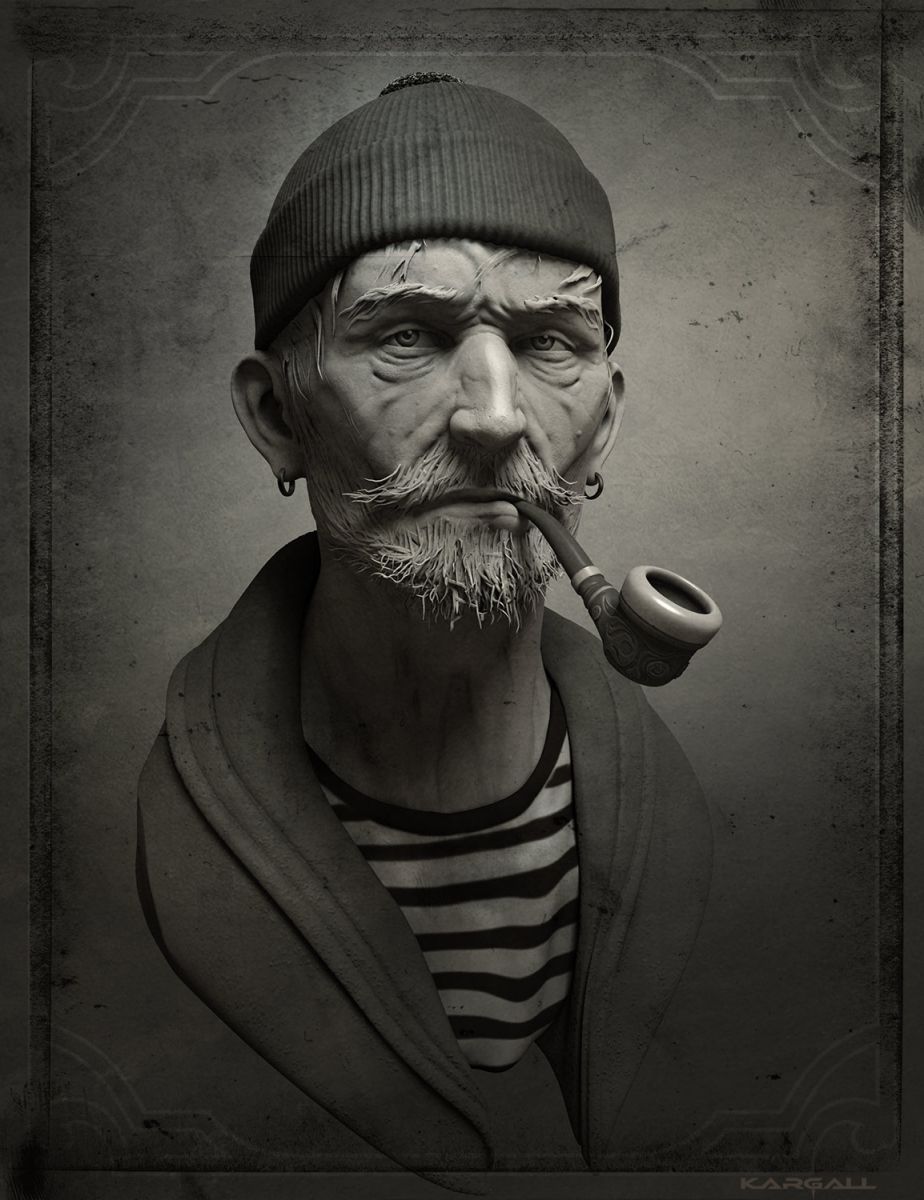
Forum artwork by Kargall le feu: Le vieux Marin


To visit kargalls 3D Coat forum gallery use this link please: 3D Coat forum gallery

Kargalls official website with very nice works: Official Website

Monday, October 27, 2014

3D-Coat - Update 4.1.17C

Info:

This update has only minor fixes. NO PBR included yet. The PBR update will come as soon as possible. There is still too much work with material support, previewing, baking, export etc.

Fixes:

  • Tweak room select works correctly.
  • Topo symmetry works correctly now. It copies regardless on previous stamp mode usage.

Click here for download: Current 3D-Coat beta...

Infos about using 3D-Coat beta versions:
  • 3D-Coat beta versions can be used by registered users only. You have to register the current release to be able to use the current beta.
  • You are invited to test and use the new beta version while the whole developing process until the official release.
  • The permission to use the beta ends at the final release date. In this case you are able to buy the new release

Wednesday, October 15, 2014

Introduction to Physically Based Rendering (PBR)


For everyone who is new in Physically Based Rendering

Javis Jones has prepared some informations about PBR for all interested artists. Javis thread in the 3D-Coat forums includes some documents and further infos about PBR shader principles.

To read the thread visit this link: Wanna learn more about PBR

Tuesday, October 14, 2014

PBR preview in 3D-Coat (work in progress)

Andrew is still working on implementing PBR (Physically Based Shaders) in 3D-Coat. The most parts are implemented. 3D-Coat shaders will be completely compatible with Marmoset Toolbag™ 2  shaders.

PBR shaders will be supported in all known modes:
  • Microvertex
  • Per Pixel Painting
  • Ptex
  • Vertex painting
First PBR-Preview in 3D-Coat